
Create · Edit · Design
Your complete online image studio
Create, edit, enhance and transform images with one powerful creative workspace — from quick fixes to full designs.
- No credit card needed
- On-device AI
- Works on mobile
- Advanced image editor
- Beautiful templates
- AI-powered tools
- Powerful image tools
- Cloud projects & storage
Everything you need, in one workspace
Stop switching between apps. Design, retouch, convert and share from the same place.
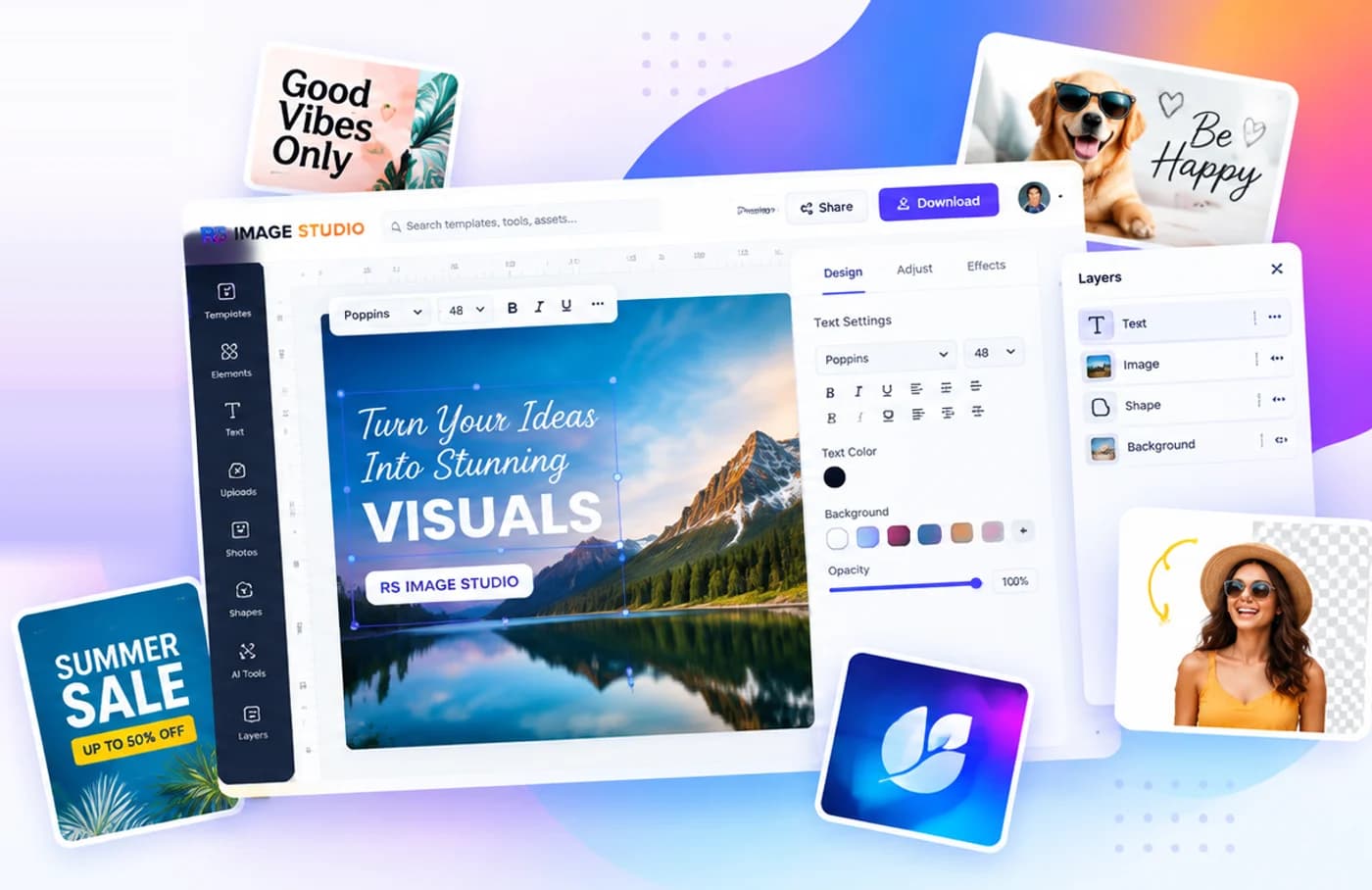
A real design editor
Layers, text with Google Fonts, shapes, frames, charts, tables, drawing, masks, alignment guides and unlimited undo.
Templates for everything
Social posts, stories, thumbnails, posters, flyers, invitations and business cards — every template fully editable.
AI that respects privacy
Remove backgrounds, erase objects and enhance photos on your own device. No upload needed, no credits used.
Quick image tools
Compress, resize, convert, crop, watermark, blur, OCR and more — in batches, with ZIP downloads.
Autosave & version history
Every change is saved. Work offline, recover drafts, restore earlier versions and pick up on any device.
Share & export
Download PNG, JPG, WebP or print-ready PDF at up to 4× size, or share a view or copy link in one click.
Runs on your device
AI photo tools that keep your images private
Background removal, object erasing, expansion, enhancement and text recognition run right in your browser with open-source models. Your photos aren't uploaded, and you never pay per click.
- Private by design — processing stays on your device
- Optional cloud AI for generation, clearly labelled with its credit cost
Start from a template
Professionally designed layouts for every occasion. Change the words, colors and photos — done.
Quick tools for everyday tasks
No sign-up needed. Drop an image, get a result, download.
From idea to image in minutes
- 1
Pick a starting point
Choose a size, a template, or upload a photo.
- 2
Make it yours
Edit text, colors, photos and effects. Use AI to clean up images.
- 3
Download or share
Export in the format you need, or send a link.
Questions, answered
Is RS Image Studio free?
Yes. The editor, templates, exports and all on-device tools are free to use with generous limits. Premium adds more storage, premium content and higher limits.
Do my photos get uploaded?
Quick tools and on-device AI process images in your browser, so they aren't uploaded. Designs you save are stored in your account so you can open them anywhere.
Can I use it on my phone?
Yes. RS Image Studio works in modern mobile browsers, and you can install it to your home screen like an app.
Can I use my designs commercially?
Yes — what you create is yours. Templates and library graphics are licensed for use within your designs.
More in the Help center · See pricing
Turn your ideas into stunning visuals
Built for creators, small businesses and students. Free to start, no card needed.
Create your free account